
Developers · MCP connection
Put your agent in the loop.
MCP gives Codex, Claude Code, and other agents the same campaign context your team uses. Ask for a list, draft the sequence, check the results, and keep a human in control of every send.
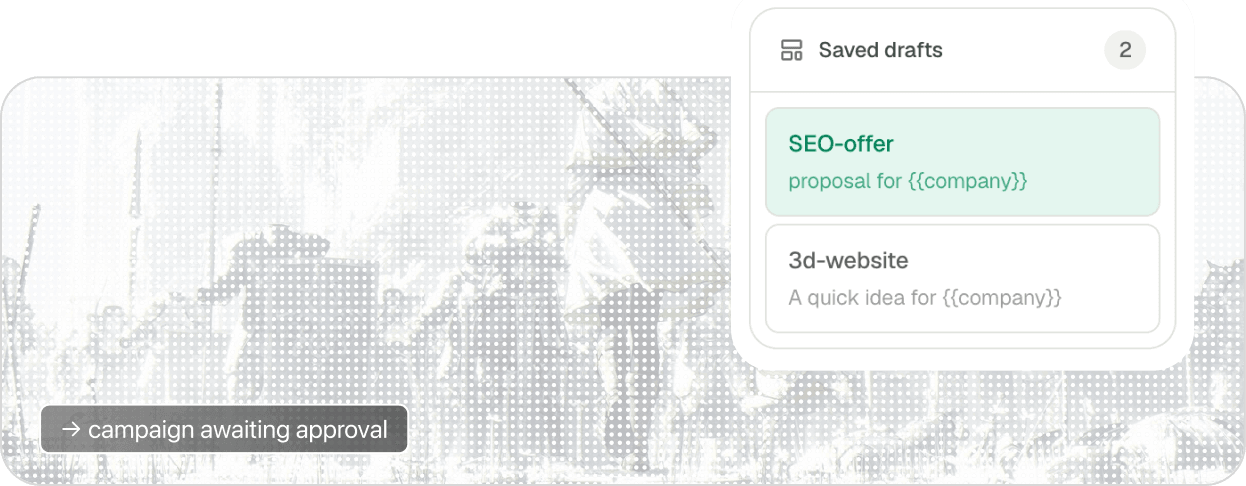
18 workspace tools available through one connection.
A practical starting point
Your agent handles the context. You keep the judgment.
MCP is useful when the work spans several steps. Instead of copying IDs and campaign details between tools, ask your agent to move through the workflow with you.
Find the right list, inspect leads, add contacts, and keep the audience current.
Draft a first email and follow-ups from the campaign context already in Orbitreach.
Create or update campaigns, choose the mailbox, and review the schedule before anything runs.
Pull campaign activity and delivery outcomes so your agent can explain performance and suggest the next move.
Designed for control
Useful autonomy, without surprise sends.
Your agent can do the repetitive work and prepare the next action. Orbitreach still keeps the boundaries that matter for an outbound workspace.
- The agent can plan and draft without sending anything.
- Writes and campaign actions stay behind your approval settings.
- Personal mailboxes remain private to their owner.
Setup
One connection, then ask for the work.
Generate a workspace key, add the endpoint to your MCP client, and start with a plain-language request. No local server process is required.
[mcp_servers.orbitreach]
url = "https://app.orbitreach.ai/api/mcp"
bearer_token_env_var = "ORBITREACH_API_KEY"
Ready to put it to work?
Start with one focused task, then let your agent build from the same context.
Connect an agent