Find local businesses, build lead lists, create campaigns, draft personalized emails, and track results in one simple workspace with an MCP connection for your AI agent.
From finding the right leads to sending the right message, your agent handles it all, automatically.
30+ real-time sources and only verified data
We are not an outdated DataBase. AI agent keeps finding leads based on real signals and intent. From Google Maps and social media to government registry. The workflow works both ways — human-led and fully autonomous.
Both local and global markets
Scores every lead
Learns from campaign stats
Leads4 found
96Marta KellerHead of Sales · Northwind LabsHiring 3 SDRsmarta@northwind.io
92Tomas BergFounder & CEO · Fjord AnalyticsRaised seed · Juntomas@fjord.co
88Priya NairVP Growth · Lumen RetailPosted on outboundpriya@lumenretail.com
81Owen HartOwner · Hart & Sons RoofingLeeds · 4.8★owen@hartroofing.co.uk
SourcesAll leads
Campaign that works both ways
Build the sequence yourself on the canvas, or describe it and let the agent run it. Same campaign, same controls — you choose how much to hand over, and switch any time.
A real campaign from the canvas — click a node to read what it does, drag nodes or the background to move around, pinch or ⌘ + scroll to zoom.
Test runApplyup to 8 credits per lead · ~392 for 49
Ready to apply
Leads table
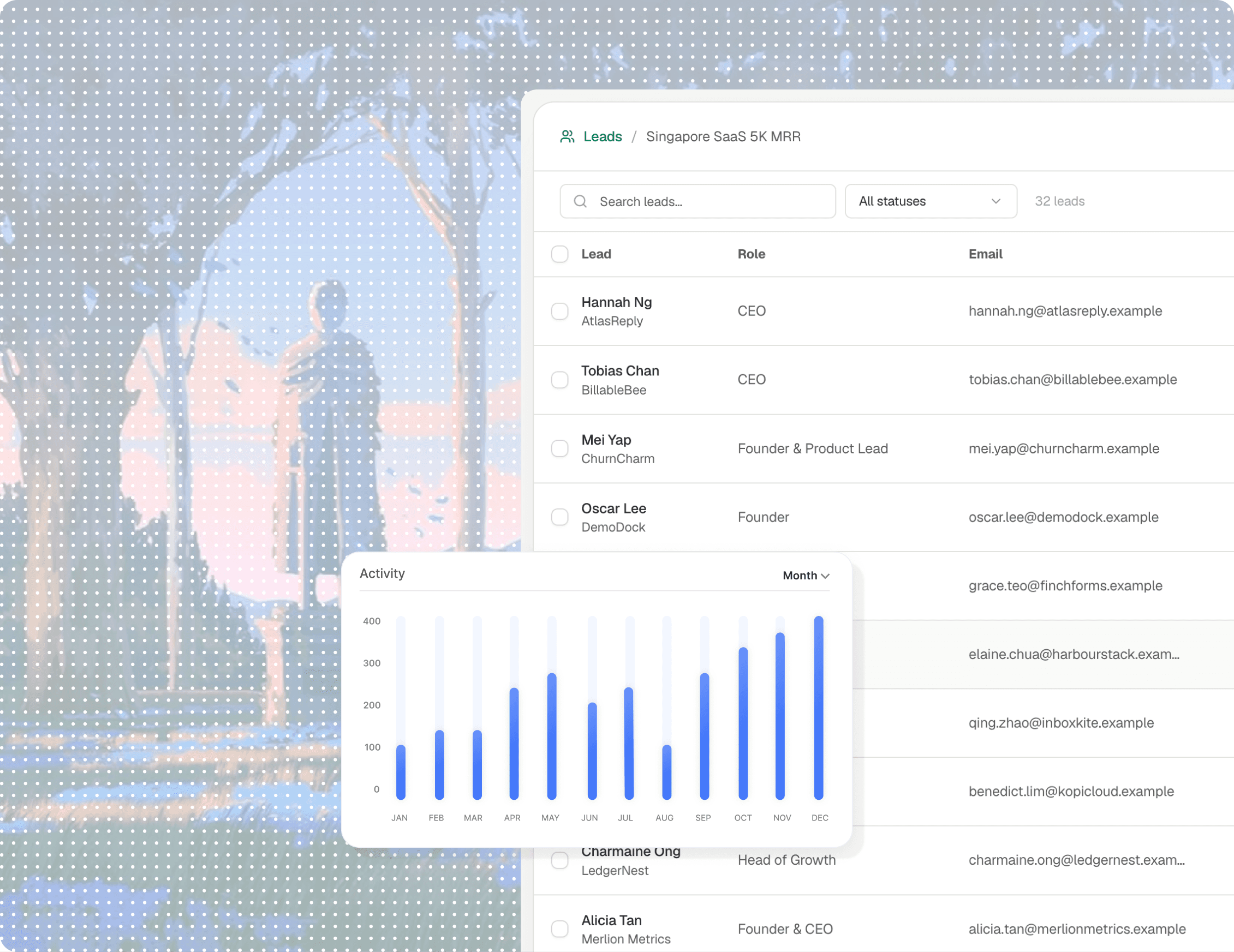
Every campaign starts from a table of leads. This one holds UK independent hotels the agent found — or drop in your own CSV and start from that.
Upload your leads. Unlimited.
Drop in a CSV, map the fields and keep every contact in one clean campaign table. In campaign, you can set up additional research, enrich and sending settings
singapore-aec.csv
2,480 contacts · ready
Find Web3 companies who preparing ICO
Searching for founders, owners and decision-makers
Searching
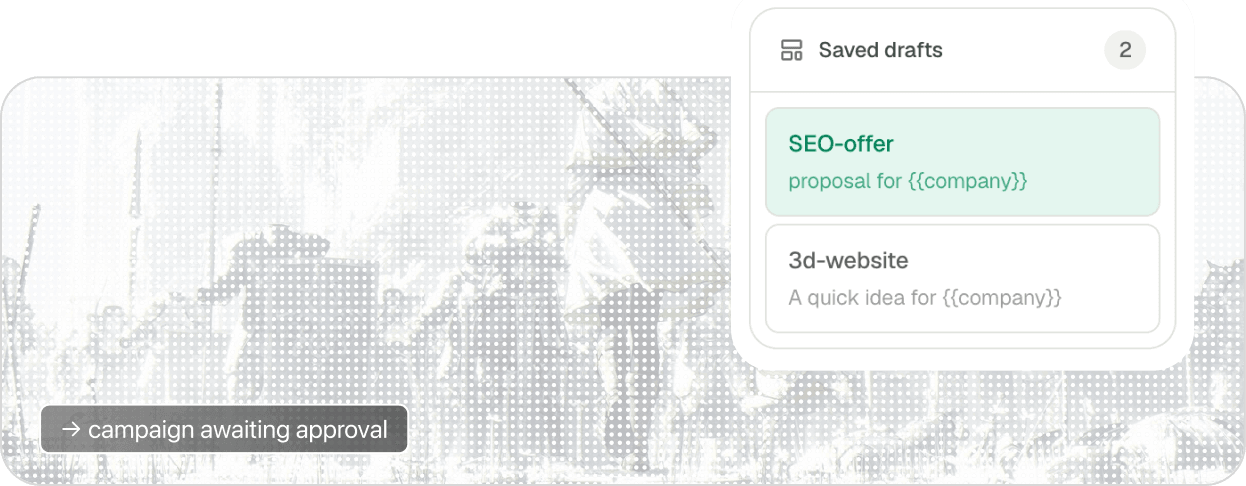
Draft emails and run the campaign
The Orbitreach works for humans as well as for agents. You can write everything yourself and customize every email, or delegate it to agent and enable self-improvement loop for your offers. Interface works both ways
Email outreach made for AI era
While competitors targeting big enterprise, we believe that next big companies will be built by small AI teams. This app is a set of tools that helps such teams find clients, improve the offer, and try new approaches in outbound campaigns.
Self-improving outbound campaigns
MCP connection
AI-agent for leads you can't find anywhere else
FAQ · 06
Frequently asked questions
The basics about mailboxes, agents, data and how orbitreach fits into an outbound workflow.
No. orbitreach is a focused outbound workspace for importing leads, preparing personal emails, sending through your own mailbox and tracking the outcomes that matter. It is intentionally smaller than a traditional CRM.
02Which email providers can I connect?
orbitreach connects through standard IMAP and SMTP, so it is designed to work with business mailboxes across providers. Your mailbox credentials stay in your own workspace and can be changed from email settings.
03What can my AI agent do through MCP?
Your agent can work with the same campaign context you see in the app: inspect lead tables, help research a lead, prepare drafts and read campaign analytics. Sensitive actions remain controlled by the workspace.
04Will orbitreach send emails without me checking them?
The current workflow is human-led. You can review and edit a personalized draft before sending, while the agent handles the repetitive preparation around it.
05What does the analytics view track?
orbitreach focuses on sent messages, replies, response rate, meetings and bounce health per lead table. We avoid presenting unreliable open tracking as the primary measure of campaign performance.
06Can I import an existing lead list?
Yes. Upload a CSV, map its fields and keep every contact in a dedicated lead table. You can also add, edit and remove leads manually at any time.
Your next campaign[ Campaign / ready / 042 ]
Run outbound with your agent—not around it.
Build the campaign, keep the human judgment and let your agent handle the repetitive context in between.